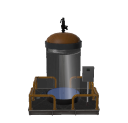
Built-In Systems
Here are available a series of built-in systems that you can use in your machines:
1. Charge Elevator
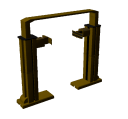
This system is used to elevate charges and move it up/down, for example to take boxes from one conveyor, move it up and wait until a pallet arrives, then move it down to unload the box in the pallet. This device could be managed by digital or analogic PLC signals.
2. CNC
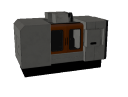
Use this system to simulate a CNC machine, the doors can be moved by one PLC Output and the status of the doors can be read by two PLC inputs. Use inside the CNC a WorkPart creator or WorkPart modifier to create or modify WorkParts.
3. 3 Axis Handling
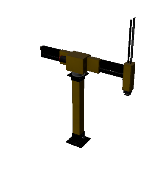
This device is used to manipulate small boxes, has three axes (up/down, advance/reverse & rotation). Use it to take WorkParts form one place and place it in another. Uses two digital PLC outputs to move each axis (work position & home position), four PLC outputs for the axis rotation (90, 180, -90 and -180 degrees), and other PLC output to activate the suction in order to take WorkParts. Each axis has digital inputs to inform about their status (work or home positions or end of rotation). The vertical and horizontal axis can be managed by analogic I/O in order to move it according the program needs.
4. Pallet Loader
Automatic pallet loader, use it to stack boxes in pallets. Uses the following PLC Outputs:
- Conveyor: activates the upper tray to move the boxes.
- Tumbler: when active rotates the boxes in order to make the second stack level.
- Pusher: activated the push system to move the boxes in the download area.
- Open gates: when the boxes are ready to be loaded in the pallet, open the gates to unload it.
- Elevator Upper Position: moves the pallet elevator to upper position (1st stack level).
- Elevator Lower Position: moves the pallet elevator to lower position (load/unload pallets).
- Elevator Descent: descents the elevator to stack another boxes level.
- Advance Rollers: advance elevator rollers to move pallets forward.
- Reverse Rollers: reverse elevator rollers to move pallets backward.
And the following PLC Inputs:
- Pusher Back: informs to PLC if he pusher is in back position.
- Advanced: informs to PLC it the pusher is advanced.
- Gates Opened: informs to PLC if gates are opened.
- Elevator Stopped: informs if elevator is moving or if is stopped.
- SW Pallet input: informs is the photocell located in the entrance of the elevator detects a pallet.
- SW Pallet output: informs is the photocell located in the output of the elevator detects a pallet.
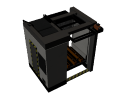
5. Robotic Island
A set of one anthropomorphic robot and one CNC, the CNC incorporates a WorkPart changer to change WorkParts, you can use it to simulate machining process, the machine can work in automatic or manual modes, check the Automatic Mode property to select the desired mode.
If the island is working in Automatic Mode, the plc signals works as follows:
- PLC Out Position 1, 2 or 3: the first time is activated one of these plc outputs, the robot goes to position 1,2 or 3, takes the part and puts inside the CNC, then the CNC works during 10 seconds and activates the workpart change by the id selected in the ChangeToWorkPartTypeProperty, the change is done if the workpart entered matches the Id indicated in the property SourceWorkPartType. Then the PLC inputs Work Finished is activated and the robotic island is waiting again the rise of the PLC outputs Position1,2 or 3 to download the workpart in the desired Position, when the Robot finished the unloading process activates the PLC input Finished.
Working in manual mode, each of the following signals have the indicated function: Outputs:
- PLC Out Position 1: Robot goes to position 1
- PLC Out Position 2: Robot goes to position 2
- PLC Out Position 3: Robot goes to position 3
- PLC Out Position Home: Robot goes to home position
- PLC Out Open close doors: If active the CNC doors are opened, closed if false.
- PLC Out Picker: if true the Robot activated the suction system to take parts, if false releases it.
- PLC Out CNC Work: if true the CNC start their working cycle (will change the workpart type at the 10 seconds same as in automatic mode)
Inputs:
- PLC In Part Taked: active when the robots takes a part.
- PLC In Worked: active when the CNC end their working cycle:
- PLC In Finished: active when the robots finish their movements.
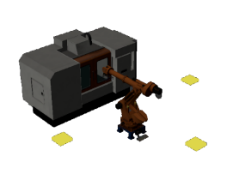
6. Stacker
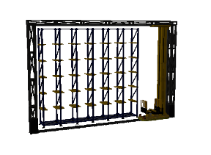
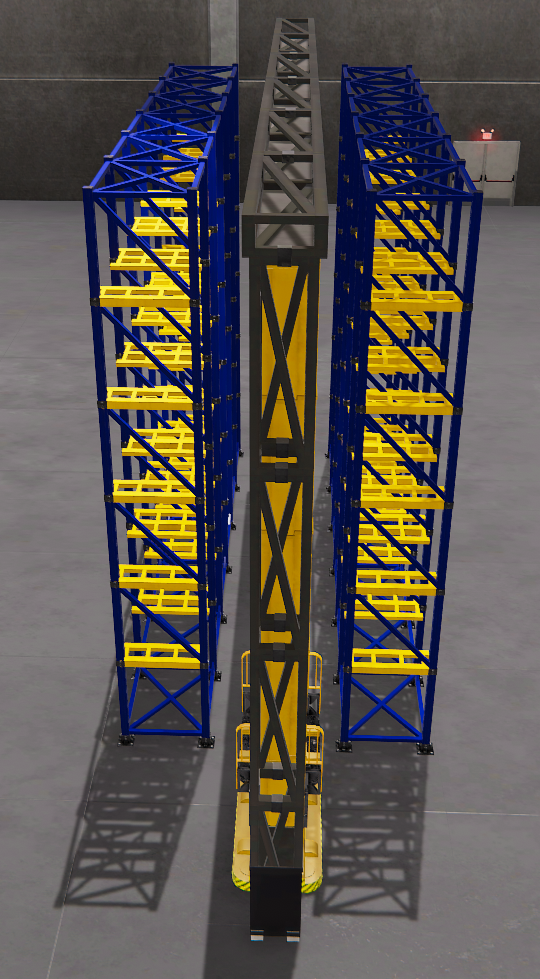
This machine is used to store boxes or pallets in their stores. The Stacker can work in manual mode or automatic mode. The stores numeration is as indicated in the picture below. To operate the Stacker in Automatic mode, use the following PLC signals:
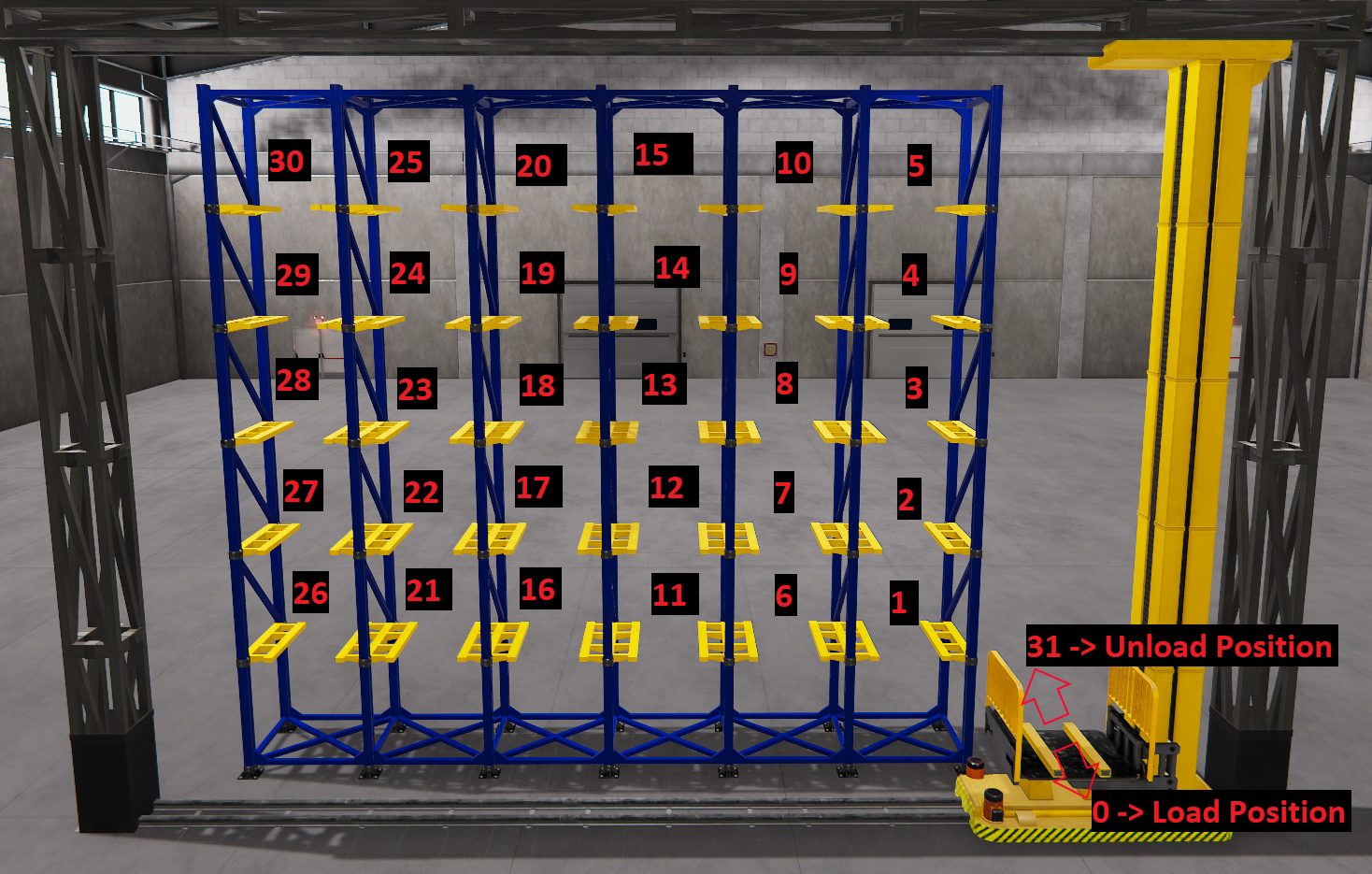
- PLC Outputs PositionBit0 to PositionBit4: Sets the store number to go.
- PLC output Load_unload: if true the stacker, once arrives at the selected store position will download the merchandise in the store, if is false will take the merchandise from the store.
- PLC Out Strobe: the stacker will start to move when this signal will be true.
The Stacker will inform to PLC about the finish of the loading/unloading process activating the PLC Input End Work.
Example 1: Working in automatic mode, in order the Stacker goes to load a box in the load position, the following cyclogram of signals must to be activated:
First step:
| Outputs | Strobe | Load / Unload | Position Bit 4 | Position Bit 3 | Position Bit 2 | Position Bit 1 | Position Bit 0 |
|---|---|---|---|---|---|---|---|
| Value | 0 | 1 | 0 | 0 | 0 | 0 | 0 |
Second Step:
| Outputs | Strobe | Load / Unload | Position Bit 4 | Position Bit 3 | Position Bit 2 | Position Bit 1 | Position Bit 0 |
|---|---|---|---|---|---|---|---|
| Value | 1 | 1 | 0 | 0 | 0 | 0 | 0 |
Then the stacker will go to Load Position and will load a box, then waits to the PLC. If we want to store this box in Store number 12, we must to activate the following signals:
First Step:
| Outputs | Strobe | Load / Unload | Position Bit 4 | Position Bit 3 | Position Bit 2 | Position Bit 1 | Position Bit 0 |
|---|---|---|---|---|---|---|---|
| Value | 0 | 0 | 0 | 1 | 1 | 0 | 0 |
Second Step:
| Outputs | Strobe | Load / Unload | Position Bit 4 | Position Bit 3 | Position Bit 2 | Position Bit 1 | Position Bit 0 |
|---|---|---|---|---|---|---|---|
| Value | 1 | 0 | 0 | 1 | 1 | 0 | 0 |
Example 2: if we want to take one box from store position 30 and then unload in the stacker unload position, we must to follow the next cyclogram:
First step:
| Outputs | Strobe | Load / Unload | Position Bit 4 | Position Bit 3 | Position Bit 2 | Position Bit 1 | Position Bit 0 |
|---|---|---|---|---|---|---|---|
| Value | 0 | 1 | 1 | 1 | 1 | 1 | 0 |
Second Step:
| Outputs | Strobe | Load / Unload | Position Bit 4 | Position Bit 3 | Position Bit 2 | Position Bit 1 | Position Bit 0 |
|---|---|---|---|---|---|---|---|
| Value | 1 | 1 | 1 | 1 | 1 | 1 | 0 |
Then the stacker will go to store number 30 and will unload the box located there, the PLC must wait until the plc input End Of Work will be activated, then, to unload the box in the stacker unload position set:
Third step:
| Outputs | Strobe | Load / Unload | Position Bit 4 | Position Bit 3 | Position Bit 2 | Position Bit 1 | Position Bit 0 |
|---|---|---|---|---|---|---|---|
| Value | 0 | 0 | 1 | 1 | 1 | 1 | 1 |
Fourth Step:
| Outputs | Strobe | Load / Unload | Position Bit 4 | Position Bit 3 | Position Bit 2 | Position Bit 1 | Position Bit 0 |
|---|---|---|---|---|---|---|---|
| Value | 1 | 0 | 1 | 1 | 1 | 1 | 1 |
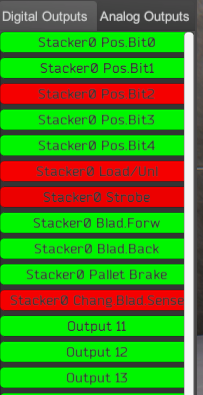
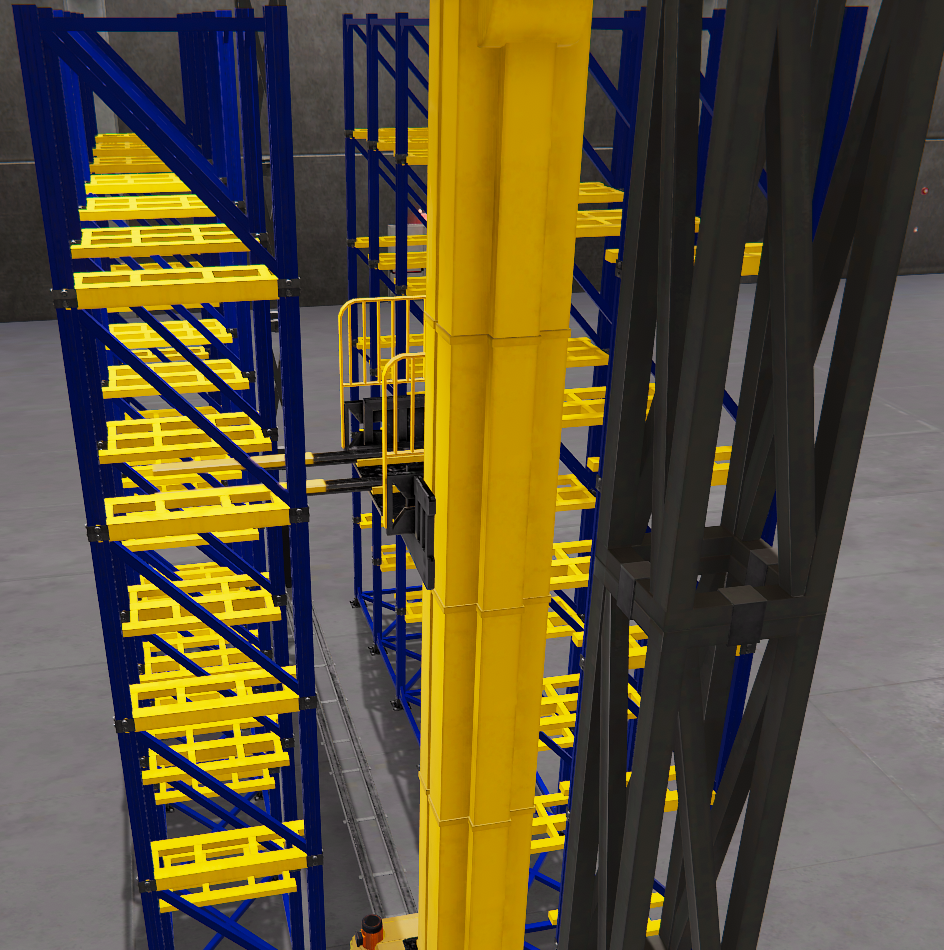
In the case the Stacker will have two racks for store, or you will use more than one together, will be necessary to select the sense the blades will move, for this reason you can use the PLC Output:
- PLC Out Change Blades Sense: if true will load or unload in the opposite sense.
Example:
To manage the stacker totally in manual mode, use the following signals:
- PLC Analogic Output Horizontal axis: moves the horizontal axis to the desired numerical position managed by the PLC (numerical values moves in meter the horizontal axis).
- PLC Analogic Output Vertical axis: moves the vertical axis to the desired numerical position managed by the PLC (numerical values moves in meter the vertical axis).
- PLC Analogic Input Horizontal Axis: informs PLC the current horizontal axis position.
- PLC Analogic Input Vertical Axis: informs PLC the current vertical axis position.
- PLC Dig. Out Blades Forward: if true moves blades to forward position, if false return to home position.
- PLC Dig. Out Blades Backward: if true moves blades to backward position, if false return to home position.
- PLC Dig. Out Pallet Brake: activates a brake for the pallets (or boxes) must to be activated BEFORE axes movements (in order to prevent displacements) and must to be deactivated once the axes are stopped and BEFORE unload the pallet/box in the store.
7. Weight System
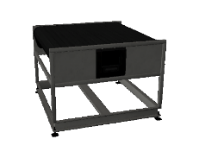
Use this system to weight WorkParts, using the following signals:
- PLC Dig. Out Advance: moves the tray forward
- PLC Dig. Out Reverse: moves the tray backwards
- PLC Dig. Out Weight: Starts the weight process
- PLC Analogic input result: Returns the WorkPart Mass property.
8. Positioner
Used to align or position WorkParts in the conveyors or moving devices, then the picker devices as Robots o gantries can hold the WorkParts precisely. Can be managed by digital and/or analogic I/O signals.
9. Liquid Tank
This is a device composed by a tank can be filled with liquids (configurable colors) with 2 valves, one for filling another for empty. There’s a radar level transmitter to read the current liquid level in the tank (in liters). The Tank have a maximum capacity of 3000 Liters. Each valve is controlled by a PLC analog output (from 0 to 10V) the analog value is proportional to the opening / closing of the valve, 0V is totally closed, 10V is totally open. For the drain valve, there is a flow meter that indicates the amount of flow of the liquid coming out of the tank (m³/s).
Tank technical details:
- Height: 2m.
- Diameter: 1.4m
- Discharge pipe radius: 0.1m