CPU Clock
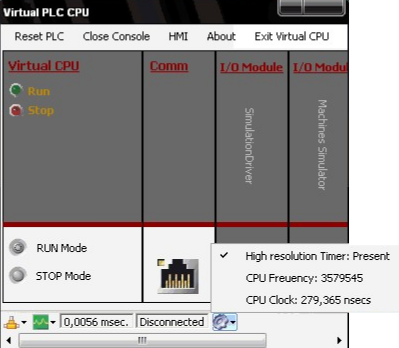
Click the CPU Clock Properties status bar icon to display the computer's CPU clock capabilities. These values indicate the timer resolution of the system being used.
Running the Virtual PLC on a computer with a High-resolution timer is recommended to achieve the fastest scan cycles. The displayed CPU Frequency and CPU Clock values provide an overview of the computer's capacity to execute logic programs efficiently.