Printing
The EasyPLC Editor allows for the generation of hard copies or digital documents of the logic programs. To initiate this process, navigate to Program -> Print Program from the main menu.
Configuration and Preview
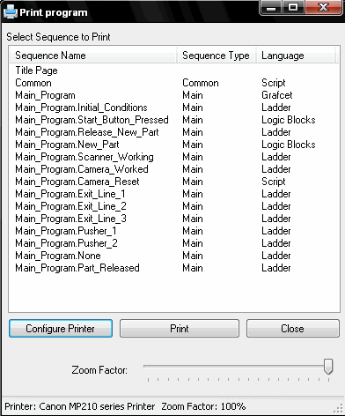
Upon selecting the print command, the Print Program Window provides several configuration options:
- Sequence Selection: Choose specific program sequences or the entire project for printing.
- Printer Setup: Select the target output device from the available system printers.
- Zoom Factor: Adjust the scale of graphic diagrams. This is particularly useful for resizing complex Ladder or Grafcet diagrams to ensure they fit correctly within the page margins.
Print Preview
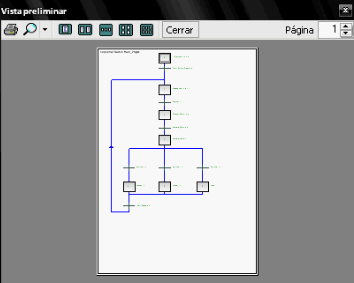
Once a sequence is selected and configured, a Preview Window displays the final layout. This allows for a final review of the diagrams and text alignment before the physical or PDF document is generated.