Export/Import Sequences & Functions
EasyPLC Editor includes tools to export and import program sequences and functions. This feature allows for the modular reuse of logic components across different projects.
Managing Sequences
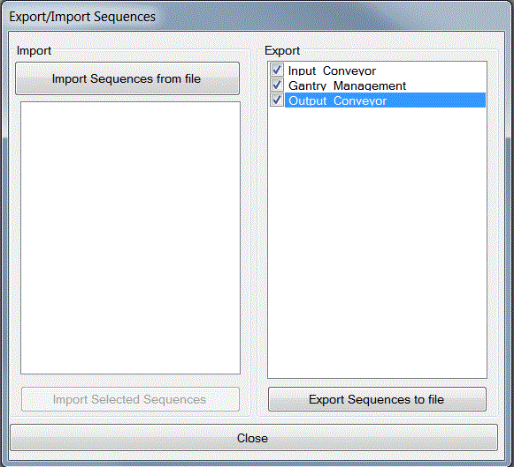
To access the sequence management tool, navigate to the Program menu and select Export/Import Sequences.
Exporting Sequences:
- The Export section lists all available sequences in the current program (all are selected by default).
- Select the specific sequences intended for export.
- Click the Export Sequences to file button.
- Define the file path and name to store the data.
Importing Sequences:
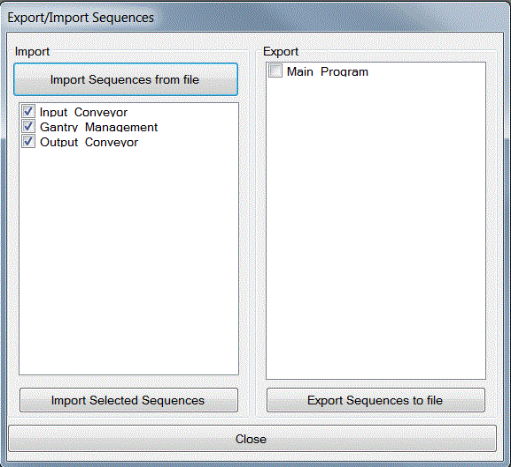
- Click the Import Sequences from file button and select the source file.
- Available sequences from the file will populate the Import area.
- Select the desired sequences and click Import Selected Sequences.
- The chosen sequences will be integrated into the current PLC program.
Managing Functions
The procedure for functions is identical to the sequence process. To access this tool, navigate to Program -> Export/Import Functions.