Getting Started
System Requirements
Before installing EasyPLC, ensure your system meets the following minimum specifications to guarantee optimal performance:
| Component | Minimum Requirement |
|---|---|
| Operating System | Windows 7 / 8 / 10 / 11 (32 or 64 bits) |
| Processor | 1 GHz |
| Memory (RAM) | 512 MB |
| Storage | 600 MB of available hard disk space |
Note
During the installation process, the system checks for Microsoft .NET Framework 3.5. If this component is not detected, an active internet connection is required, as the installer will automatically download and install it.
Installation Guide
Follow these steps to get EasyPLC up and running on your machine:
- Run the installer: Run the EasyPLC MS Edition Setup.exe file. If the User Account Control (UAC) prompt appears, click Yes to grant administrative permissions.
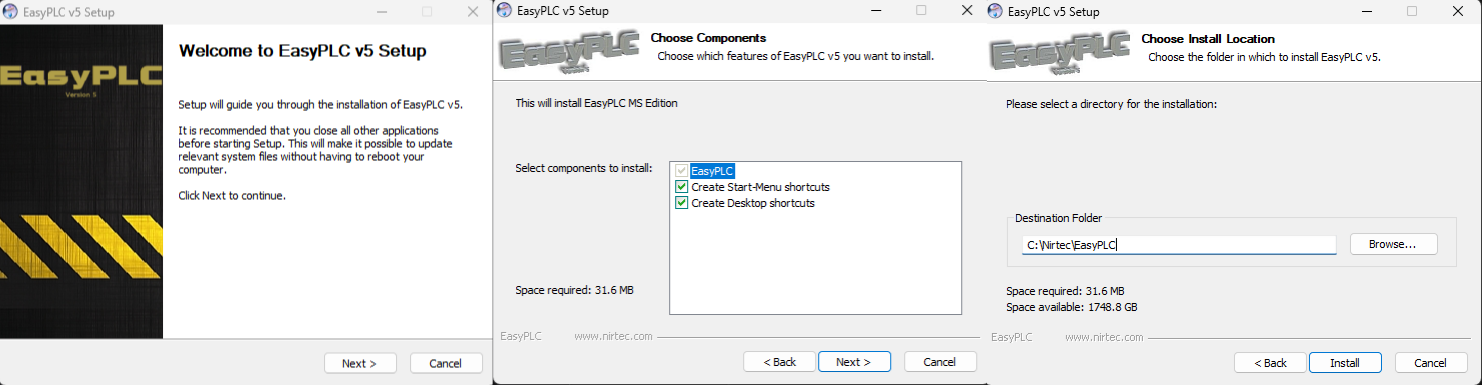
c 2. Follow the Wizard:
- Click Next on the Welcome screen.
- On the component selection screen, choose whether to create shortcuts and click Next.
- Choose the destination folder (default is recommended) and click Install.
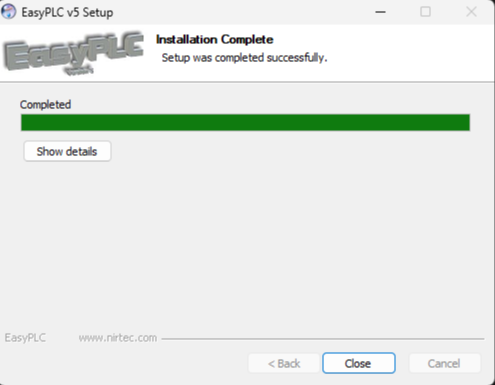
- Finish: Once completed, click Close.