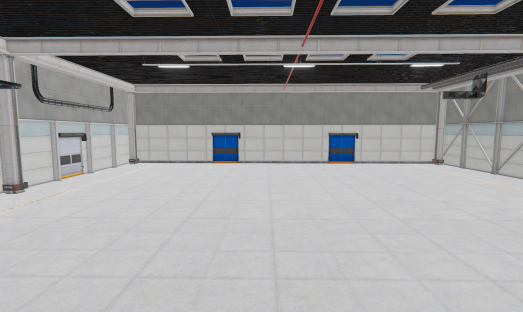
Environment
1. DayCycle
Use this component to create in your environment a simulation for day and night cycle.
2. Room
This component allows creating a room, where all textures (roof, floor, right, left, front and backsides) can be customized.
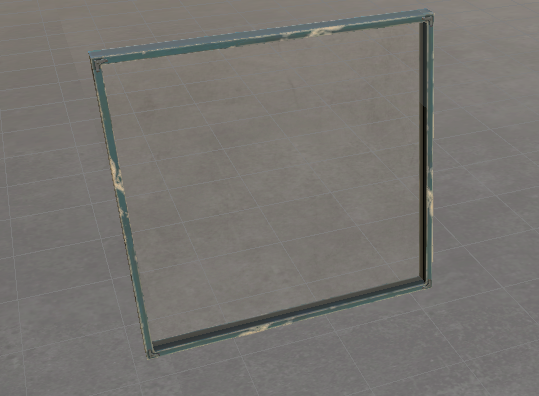
3. Window
A configurable size window.
4. Doors
Different types of vertical and horizontal doors.
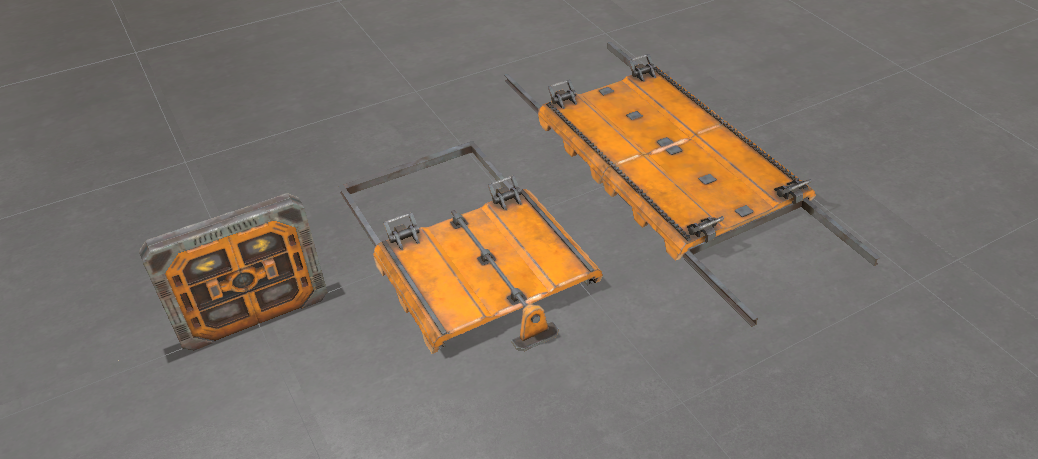
5. Gate
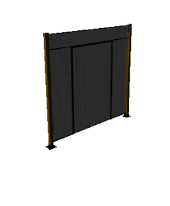
A blind system that can be managed by one PLC output (to open) and one PLC input (to inform the blind is open) or can be managed automatically when a WorkPart is detected.
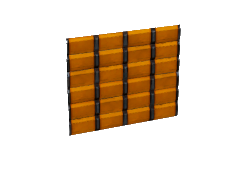
6. Machine Door
A door for machines, uses one PLC dig. input to inform about their current state (opened/close), and one PLC dig. Output to allow the manual opening or not.
7. Stairs
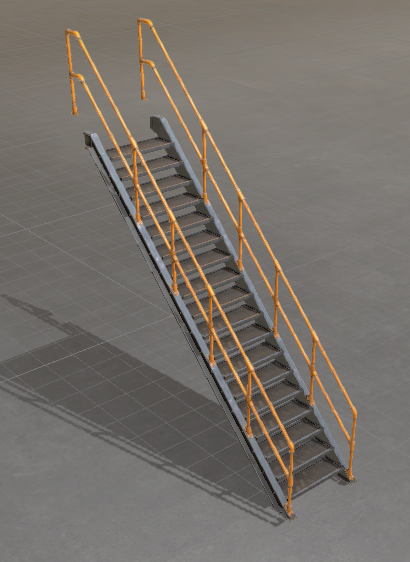
A configurable stair tool.
8. Modular Stairs
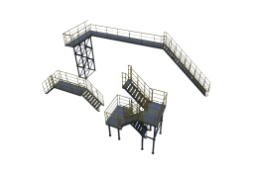
Allows to create an industrial platform & stairs system with all the available items inside this component.
9. Frame
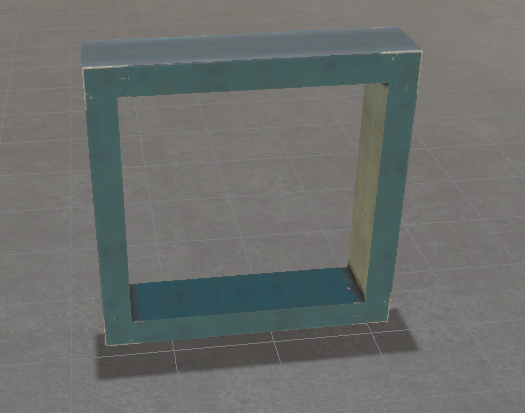
A configurable width & height frame.
10. Rain
Allows to simulate rain (only for Outdoor Editor).
11. Wind
Allows to simulate a wind effect with particles (only for Outdoor Editor).
12. Mountains
Creates a mountain landscape (only for Outdoor Editor).
13. Factory Builder
This component allows to create customized factories. Could be used in the Factory 1 Editor or in the Outdoor editor. If is used in the Factory 1 Editor, so that it does not have conflicts with the factory default, it can be hidden, for this use the following Script function in the Machine Script Code:
public void Init()
{
      //Hide default Factory model
      MS.HideFactory();
}
To create a new customized factory, add one Factory Builder component to the simulation:
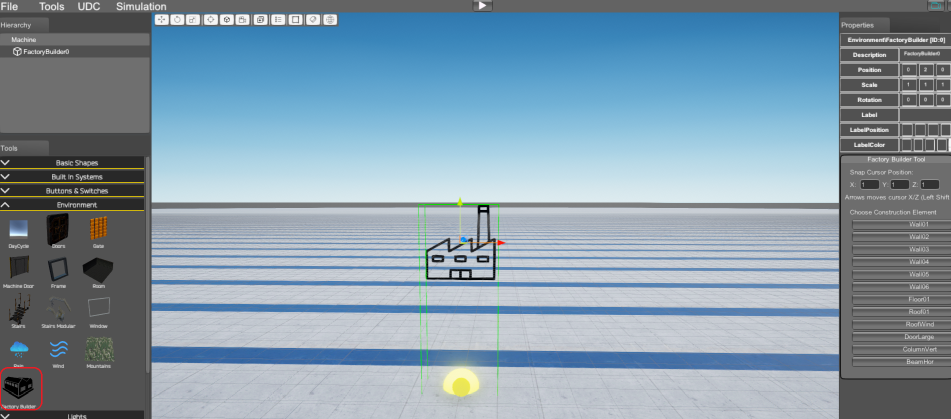
Move the yellow cursor with arrows keys to place it in the build position. Press on the desired component to create walls, floor, roof, doors or columns:
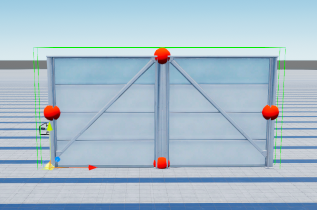
Now, click on the red points located at up, down, left or right to create the same component stuck to that position:
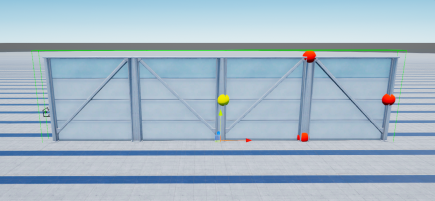
If you want to create other factory component, before click on the red point, select from the module CreateItem property the component to create:
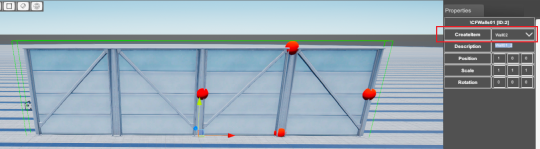
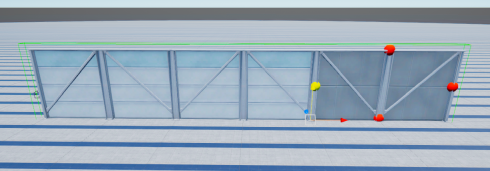
You can create as many factory buildings as you need for your simulation, with custom length, height and width measurements.